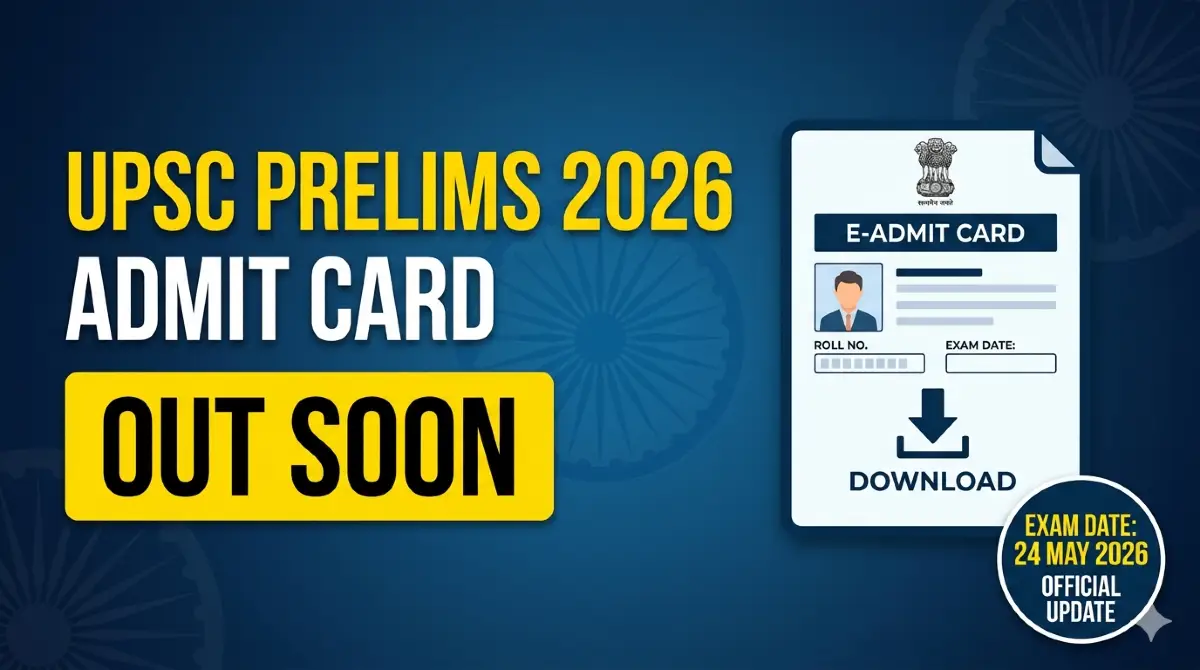
The Union Public Service Commission (UPSC) is expected to release the UPSC Prelims Admit Card 2026 approximately 2–3 weeks before the examination, likely in May 2026. As the premier recruiting agency of India, the UPSC conducts the Civil Services Examination (CSE) annually. The e-admit card is a mandatory verification record containing the candidate’s roll number and exam centre details. Candidates must download the PDF from the official portal and carry a printed copy along with a valid photo ID to the venue.
UPSC Prelims Admit Card 2026 Overview
| Event Details | Information |
| Exam Name | UPSC Civil Services (Preliminary) Exam 2026 |
| Conducting Body | Union Public Service Commission (UPSC) |
| Document Category | UPSC Admit Card 2026 |
| Release Status | Expected 2-3 Weeks Before Exam |
| Exam Date | 24th May 2026 |
| Official Portal | upsc.gov.in / upsconline.nic.in |
| Exam Mode | Offline (Pen and Paper – OMR) |
| Mandatory Documents | Admit Card & Original Photo ID |
Important Links
| Resource | Link |
| Download UPSC Prelims Admit Card 2026 | [Available Soon] |
| UPSC Online Portal | upsconline.nic.in |
Key Highlights
- The UPSC Prelims is an offline (OMR-based) examination conducted at various centers across India.
- The e-admit card is not sent via post; it must be downloaded digitally.
- UPSC has introduced a Face Authentication System to strengthen identity verification and exam security.
- A FREE UPSC NCERT Series 2026 is available for aspirants.
Important Dates
- Admit Card Release Date: Expected May 2026 (15 to 21 days before the exam).
- UPSC Prelims Exam Date: 24th May 2026.
- Last Date to Download: Usually available until the exam day (early download is advised).
Details Mentioned on the Admit Card:
- Name of the candidate
- Roll number
- Exam center details
- Exam date & time
- Photograph & signature
- Important instructions for exam day
How to Download UPSC Prelims Admit Card 2026
Follow these strictly digital steps to obtain your hall ticket:
- Access the Portal: Visit or upsconline.nic.in.
- Find the Link: Locate the “E-Admit Cards” section or check the “What’s New” tab for the UPSC Prelims Admit Card 2026 link.
- Read Instructions: A set of mandatory instructions will appear; read them carefully and click ‘Yes’ to proceed.
- Login Methods: Choose one of two options:
- By Registration ID: Enter the ID generated during the application process.
- By Roll Number: Use the roll number received via SMS or email.
- Enter Captcha: Provide your Date of Birth and the security captcha code shown.
- Verify and Print: The PDF will be displayed. Verify all details and take a clear printout on A4-sized paper.
Forgot Registration ID?
If you lose your ID, click the “Forgot Registration ID” option on the login page. Enter your name, date of birth, and registered email ID to retrieve it. You may reset your password if required.
Important Instructions & Exam Day Guidelines
Candidates must strictly adhere to the following rules to ensure a smooth experience:
- Valid Identification: Carry the original Photo ID (Aadhaar Card, Voter ID, PAN Card, Passport, or Driving License) whose number is printed on your admit card.
- Entry Closing Time: Entry into the venue closes 10 minutes before the scheduled start of the session.
- Stationery: Use only Black Ballpoint pens for marking the OMR sheets.
- Prohibited Items: Mobile phones, smartwatches, Bluetooth devices, calculators, notes, books, and storage devices are strictly banned.
- Bags: These may be restricted depending on the specific center’s facilities.
Scribe Guidelines (PwBD Candidates)
- Eligible PwBD candidates must follow UPSC norms and provide necessary documentation.
- Scribes must meet the specific eligibility criteria defined by the Commission.
- Required forms and declarations must be submitted in advance.
- Compensatory (additional) time may be provided as per official rules.
What to Do in Case of Error
If there is any discrepancy in the admit card (e.g., wrong name or photo), contact the UPSC immediately via the official helpline number or email support to request a correction before the exam date.
Also Read:
UP APO Admit Card 2026: Check June Exam Dates & Admit Card Update
Bihar Police Havildar Clerk Admit Card 2026 Out: Download Hall Ticket PDF at bpssc.bihar.gov.in
Haryana HPSC PGT Computer Science Admit Card 2026 (Out): Download Now